PNG to PDF.
Turn PNG screenshots and graphics into PDF pages for free. Arrange your images, choose a page size, then preview and download the PDF.
On your deviceNo sign-up neededFree to use
Turn PNG screenshots and graphics into PDF pages for free. Arrange your images, choose a page size, then preview and download the PDF.
or drop your files here
PNG images · Up to 50 MB per fileChoose PNG screenshots or graphics and arrange them in the sequence you want readers to follow.
Choose Fit each image to retain each graphic’s proportions, or A4 for consistent portrait paper sizes.
Create and preview the PDF. Zoom into small interface labels and inspect transparent graphics against the page before downloading.
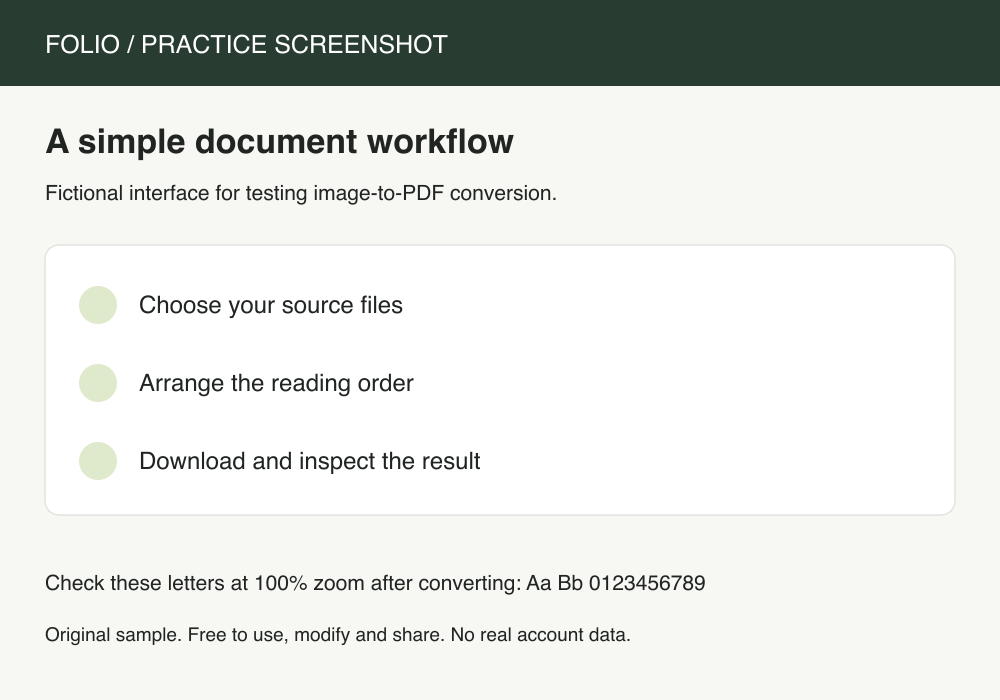
Collect screenshots of a process into a document that a colleague can read in order.
Original, fictional samples. Download a file, then select it in the tool above.
Open the PDF and zoom into small interface labels. Fit-to-image pages may have different dimensions; use A4 when consistent paper sizes matter more.
Folio-generated fictional examples. These checks apply to the supplied files and settings.
One image per PDF page; Fitted page; 750 × 525 points.
PNG screenshots remain pictures in the PDF. Review them for visible account details before sharing; conversion does not remove private information from the image.
PNG is useful for screenshots and diagrams whose sharp labels should not acquire JPG compression artifacts. Ordinary PNG source data is embedded into the PDF, with one image per page. Fit-to-image pages can differ in size; A4 centers each image with margins on a consistent sheet. A long screenshot may look very small when fitted to one A4 page, so check its text at the scale your recipient will use. The converter does not split one tall screenshot across several pages.
A4 fits the complete image on one portrait sheet. A very tall screenshot must shrink to fit. Choose Fit each image for a page matching its proportions, or prepare shorter source images before converting.
No. The PDF contains the PNG image, not an OCR text layer. Keep the original document when selectable text or accessibility information is required.
This page accepts PNG files. Use Image to PDF or Merge images to combine supported JPG, PNG and WebP files in one batch.