Image compressor.
Compress JPG, PNG and WebP images to 20 KB, 50 KB, 100 KB or a custom size. Free batch downloads, with images processed locally and never saved by Folio.
On your deviceNo sign-up neededFree to use
Compress JPG, PNG and WebP images to 20 KB, 50 KB, 100 KB or a custom size. Free batch downloads, with images processed locally and never saved by Folio.
Choose a size limit, then add your files.
Current limit: 100.0 KB per image. Quality and dimensions adjust automatically. 1 KB = 1,000 bytes.
Auto, PNG, and WebP keep transparent backgrounds. Review the result before downloading.
Processed on your device. Images are not uploaded or saved by Folio. Up to 20 files per batch.
or drop your files here
JPG, PNG and WEBP · Up to 35 MB per fileChoose a preset or custom KB limit in Folio’s image compressor, add your images, and select Compress images. It adjusts quality and dimensions in your browser. Review the actual size and pixel dimensions, then download individual files or a ZIP for free.
Compare local processing and cloud savingChoose a target file size and output format.
Add your images and select Compress images. Review sizes, dimensions, and previews.
Download individual images or the batch as a ZIP, then clear the tool.
A form accepts only JPG files under 20 KB. Select the required format explicitly so a smaller WebP result is not rejected by that form.
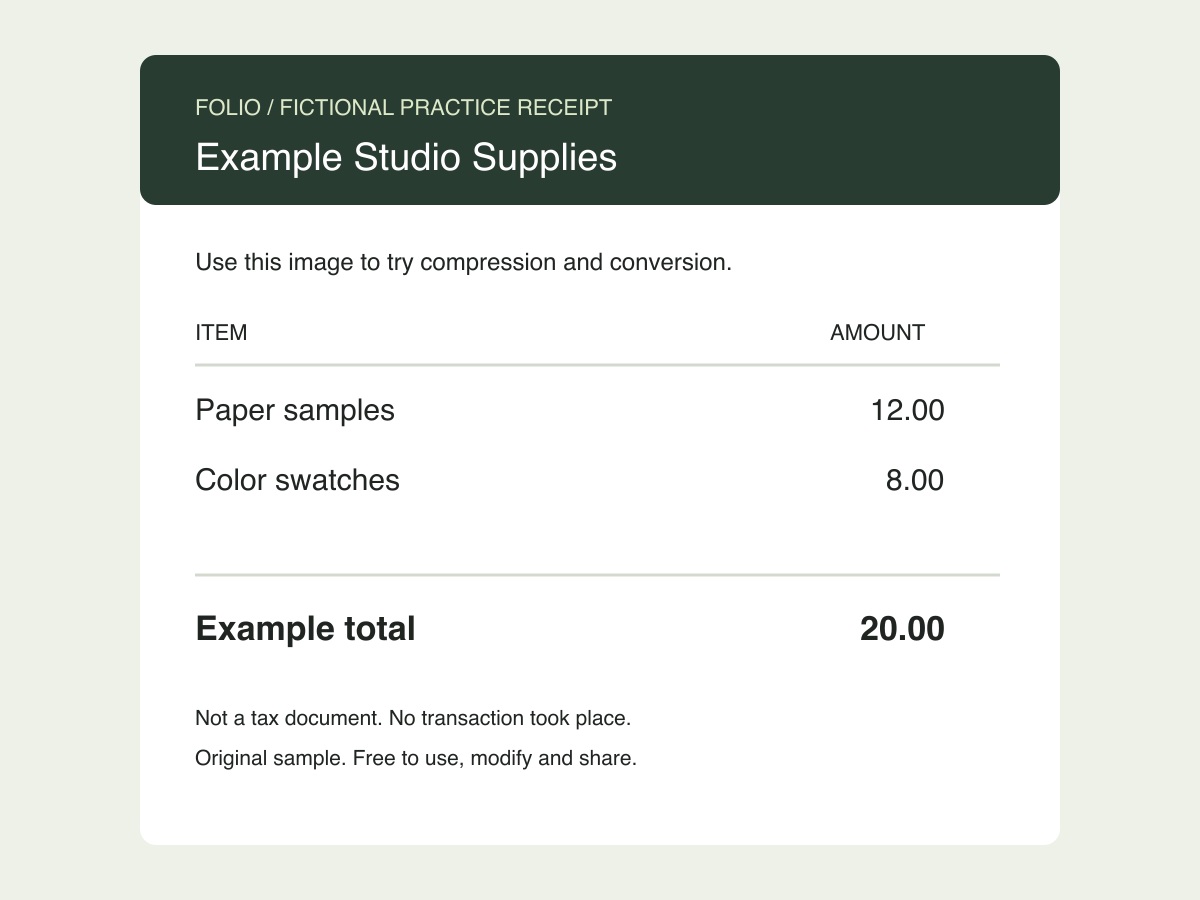
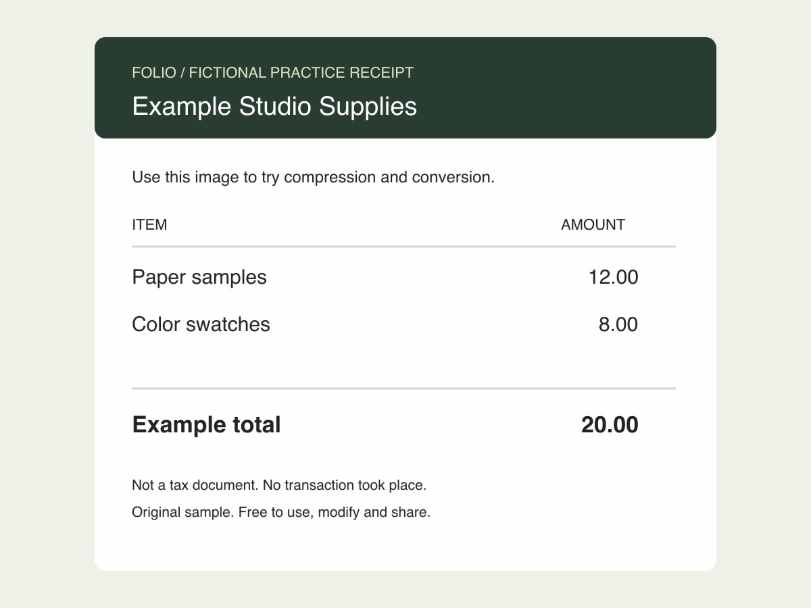
Original, fictional samples. Download a file, then select it in the tool above.
This exercise returned a file below 20,000 bytes by resizing it. Check both its pixel dimensions and the smallest receipt text. Other inputs may produce different dimensions and byte counts.
Folio-generated fictional examples. These checks apply to the supplied files and settings.
20 KB target, JPG output; Actual returned size checked at or below 20,000 bytes.
The compressor may reduce both quality and dimensions. 50 KB and 100 KB work through the same presets. The limit applies to each image, not the size of a downloaded ZIP.
Choose 10, 15, 20, 30, 40, 50, 100, 200 or 500 KB, 1 MB, or apply a custom KB limit. The compressor adjusts quality and, when needed, dimensions to meet the target. Auto compares supported formats while preserving transparency; choose JPG, PNG, or WebP when a website requires it. Images stay in your current tab, with no uploads, account requirement, or saved library. Review small text and required dimensions before using the result.
Select that preset, choose an output format, add your images, then select Compress images. Each successful result is at or below the selected limit; the tool may reduce dimensions to get there. Check the final pixel size if an upload form has dimension requirements.
Yes. Enter a number from 1 to 35,000 in Custom size (KB) and select Apply. The current limit updates below the controls. Each KB means 1,000 bytes. A file can be smaller than your limit; it is not padded to match an exact size.
No. Compression and previews run in the browser. Images and results remain in the current page’s memory and are not uploaded or written to browser storage. Clear all or refresh to discard the batch. Files you download remain on your device.
Auto compares supported JPG, PNG, and WebP results at each tested image size and chooses a smaller result that fits the limit. It avoids JPG when the source contains transparency. Select a specific format if an upload form only accepts it.
A smaller file can involve lower quality or fewer pixels. PNG encoding is lossless, but a smaller target can still reduce its dimensions. PNG and WebP preserve transparency; JPG fills transparent pixels with white. Use Manual settings to keep dimensions and choose quality yourself.
Add up to 20 JPG/JPEG, PNG, or WebP images, up to 35 MB each and 150 MB for the batch. Decoded images must have no more than 25 million pixels. This tool is for still images; re-encoding an animated file produces a still image.