PDF to PNG.
Convert PDF pages to PNG images at up to 300 DPI. Choose specific pages, preview the result, and download one image or a ZIP for free.
On your deviceNo sign-up neededFree to use
Convert PDF pages to PNG images at up to 300 DPI. Choose specific pages, preview the result, and download one image or a ZIP for free.
or drop your file here
PDF files · Up to 50 MBChoose a PDF and select the pages you need.
Choose resolution: 108, 144, 216 or 300 DPI. Use a higher setting when the destination needs more pixels.
Preview the actual output, then download a PNG or a ZIP of separate page images. Check small labels at 100% zoom.
Create an image of a PDF page for a document or design workflow that needs fine text edges.
Original, fictional samples. Download a file, then select it in the tool above.
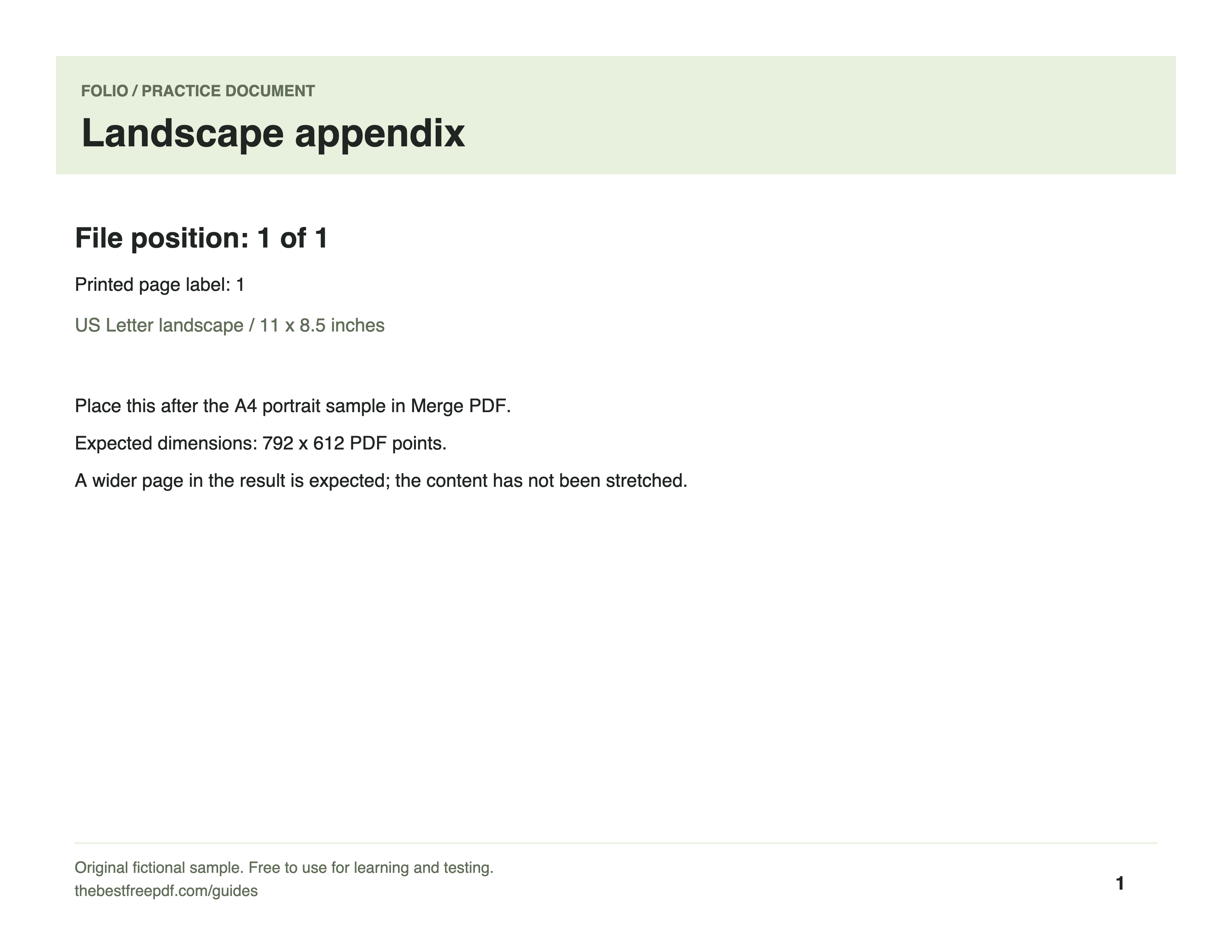
Inspect the downloaded image at 100% zoom. The practice page is 11 inches wide, so it renders about 3,300 pixels wide at 300 DPI; other page dimensions produce different image sizes.
Folio-generated fictional examples. These checks apply to the supplied files and settings.
Print — 300 DPI; 3300 × 2550 pixels from the 11 × 8.5 inch source.
Higher DPI uses more memory and produces larger files. It cannot restore detail missing from a low-resolution scan. Multiple selected pages download as a ZIP.
PNG stores the rendered page without JPG compression artifacts, which is useful for charts, diagrams and pages with small text. It does not preserve PDF interactivity: text, visible field values and link labels become pixels. Pages use a white background. A higher DPI produces more pixels and larger files, but cannot recover detail absent from a low-resolution scan.
Pages are exported with a white background for reliable viewing.
PNG avoids lossy compression artifacts; JPG often produces smaller files for photographs.
Set Resolution to Print — 300 DPI before converting. A US Letter portrait page exports at 2550 by 3300 pixels. One selected page downloads as a PNG; multiple pages download in a ZIP. Higher resolution cannot restore detail missing from the source.