Image to PDF.
Combine JPG, PNG and WEBP images into a PDF. Arrange your images, choose fitted pages or A4 paper, and review the result.
On your deviceNo sign-up neededFree to use
Combine JPG, PNG and WEBP images into a PDF. Arrange your images, choose fitted pages or A4 paper, and review the result.
or drop your files here
JPG, PNG and WEBP · Up to 50 MB per fileFolio’s Image to PDF tool combines JPG, PNG and WEBP images into a free PDF, with one image per page. Arrange the images, choose pages fitted to each image or A4 paper, and download the result from your browser.
Compare local processing and cloud savingAdd JPG, PNG or WEBP images.
Arrange them and choose your page size.
Create and download your PDF.
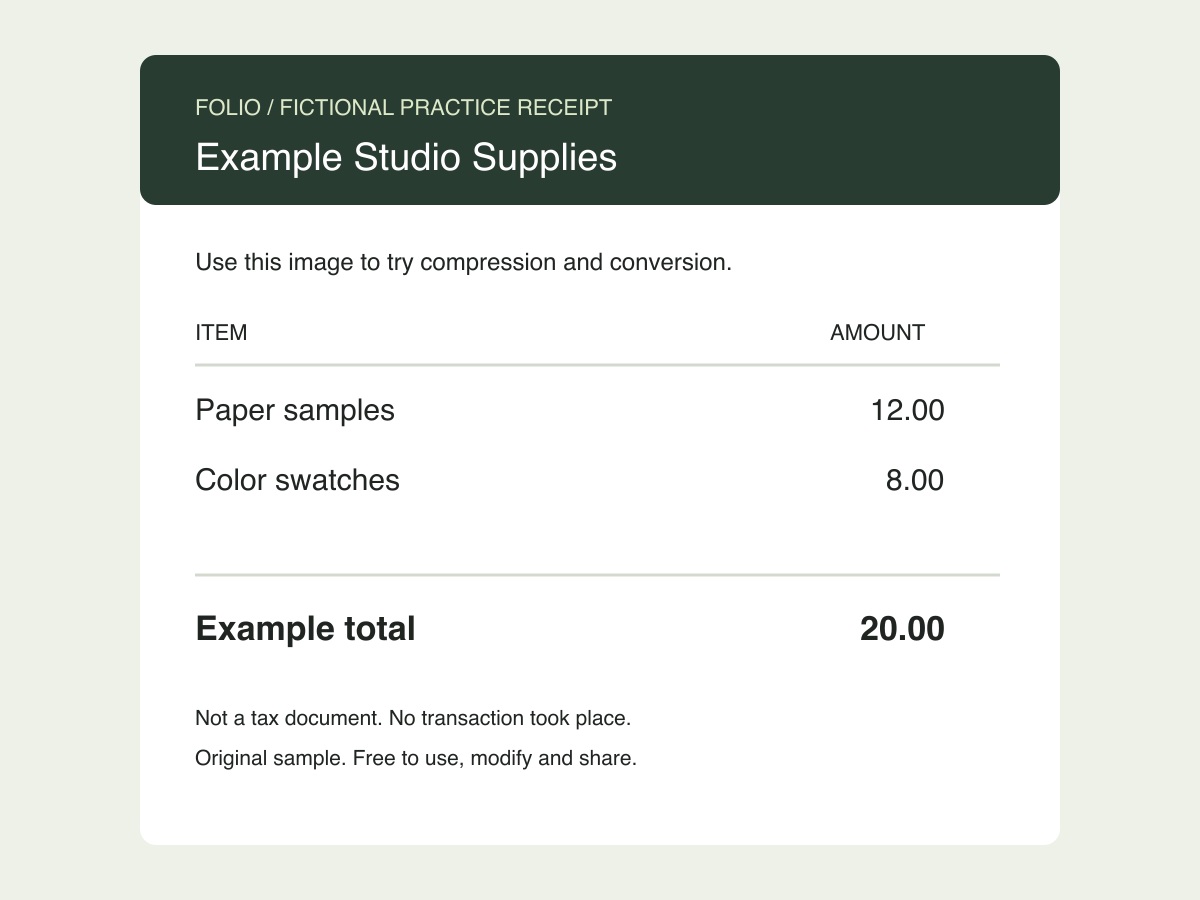
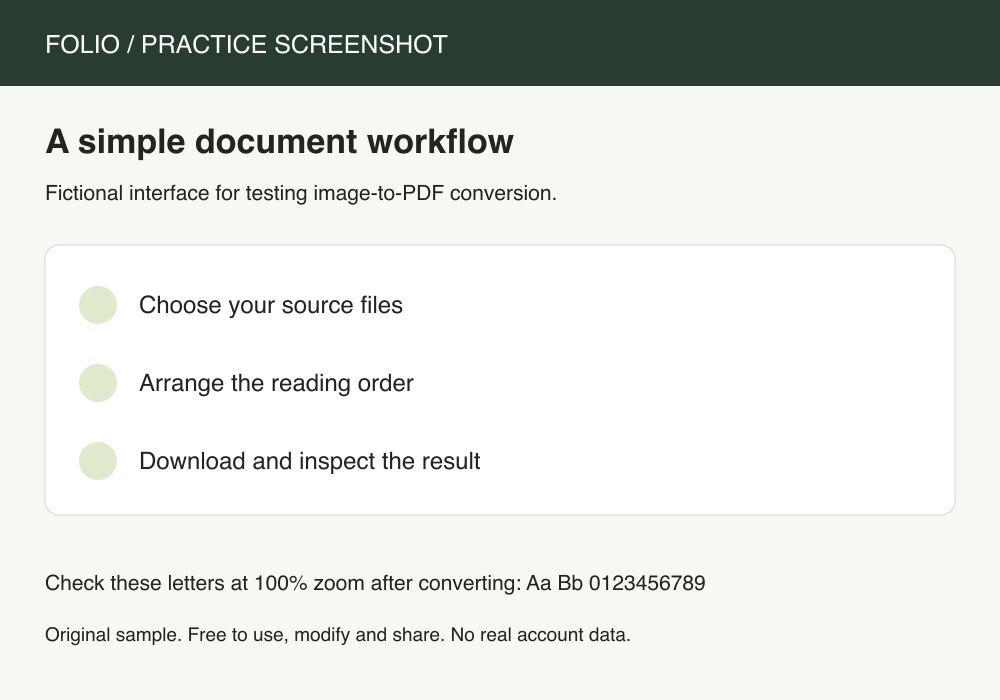
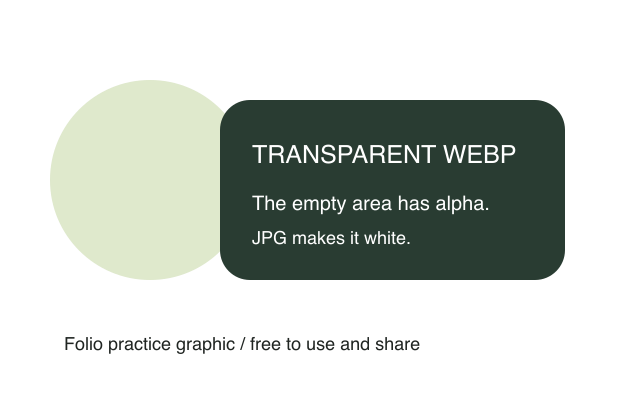
Put a receipt JPG, a screenshot PNG, and a transparent WebP graphic into a three-page PDF. Each input format follows the same page-size choice.
Original, fictional samples. Download a file, then select it in the tool above.
The third page should contain the WebP graphic. Check all three pages in order; the PDF contains images and no OCR text layer.
Folio-generated fictional examples. These checks apply to the supplied files and settings.
Receipt, screenshot, transparent WebP in order; Three A4 portrait pages; no OCR.
The PDF contains images, not OCR text. JPG, PNG and WebP are supported; convert unsupported formats such as HEIC first.
Turn receipts, sketches, and exported images into a single document. Each image gets its own page. Fit-to-image uses the image proportions; A4 centers your image on a portrait sheet with comfortable margins.
JPG, PNG and WEBP files are supported. JPEG rotation metadata is respected. Convert HEIC or other formats before adding them.
Yes. Add up to 20 images and arrange the file list before creating your PDF.
Yes. Add supported receipt pictures, arrange them by date or another useful order, and choose fitted or A4 pages. Each receipt becomes one page. HEIC files need converting first, and photographed text does not become searchable text.