PDF to JPG.
Turn PDF pages into JPG images. Choose pages, quality and resolution up to 300 DPI. Preview the actual result before downloading.
On your deviceNo sign-up neededFree to use
Turn PDF pages into JPG images. Choose pages, quality and resolution up to 300 DPI. Preview the actual result before downloading.
or drop your file here
PDF files · Up to 50 MBChoose a PDF and enter the pages to export, or leave Pages blank for all pages.
Choose resolution and JPG quality. Try High — 144 DPI with Balanced — 90% for an initial preview.
Inspect small text in the result. Download one JPG for a single page or a ZIP for multiple pages.
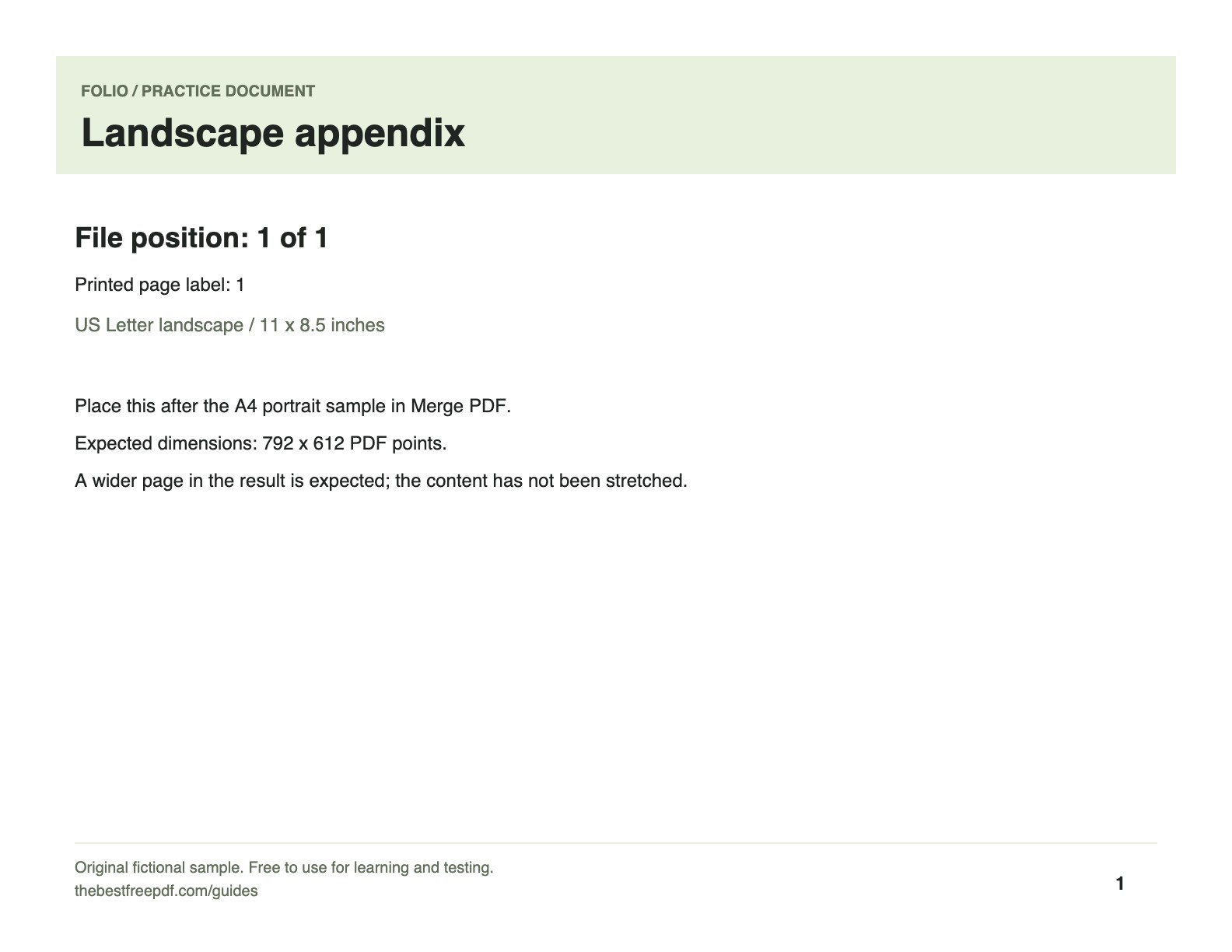
Make one landscape page image for a presentation. Use its known paper size to check the export dimensions.
Original, fictional samples. Download a file, then select it in the tool above.
The single-page download is a JPG, not a ZIP. It should be 1584 × 1224 pixels. Check small letters at 100% zoom before placing it in a slide.
Folio-generated fictional examples. These checks apply to the supplied files and settings.
High — 144 DPI; 1584 × 1224 pixels from the 11 × 8.5 inch source.
This renders complete pages. It does not extract the original embedded photos. Use PDF to PNG for lossless image encoding around text and diagrams.
Export document pages as images for presentations, previews, and sharing. JPG is useful for small image files; use PNG when crisp line art matters more than file size. Text in an exported image is no longer selectable.
Yes. The converter renders complete pages, including text and pictures, rather than extracting the original embedded photos. One selected page downloads as a JPG; multiple pages download as separate JPGs in a ZIP.
Resolution controls the number of pixels rendered from the page. JPG quality controls lossy compression of those pixels. Raise resolution for small text, and raise quality if edges show compression artifacts. Both can increase file size.
The tool limits each rendered page to 25 million pixels, each export to 200 pages and the combined image output to 150 MB. Lower resolution for an oversized page; choose fewer pages if the combined output is too large.
No. A JPG is a flat image. Keep the PDF when the recipient needs searchable text, clickable links or interactive form fields.