JPG to PDF.
Convert JPG photos to PDF for free. Put photos in order, choose A4 or fit-to-image pages, and preview your document before downloading.
On your deviceNo sign-up neededFree to use
Convert JPG photos to PDF for free. Put photos in order, choose A4 or fit-to-image pages, and preview your document before downloading.
or drop your files here
JPG images · Up to 50 MB per fileChoose JPG or JPEG photos and move them into the required reading order.
Choose A4 for consistent portrait sheets or Fit each image for pages matching the photos’ proportions.
Create the PDF and check the orientation, page order and readability of each photo before downloading.
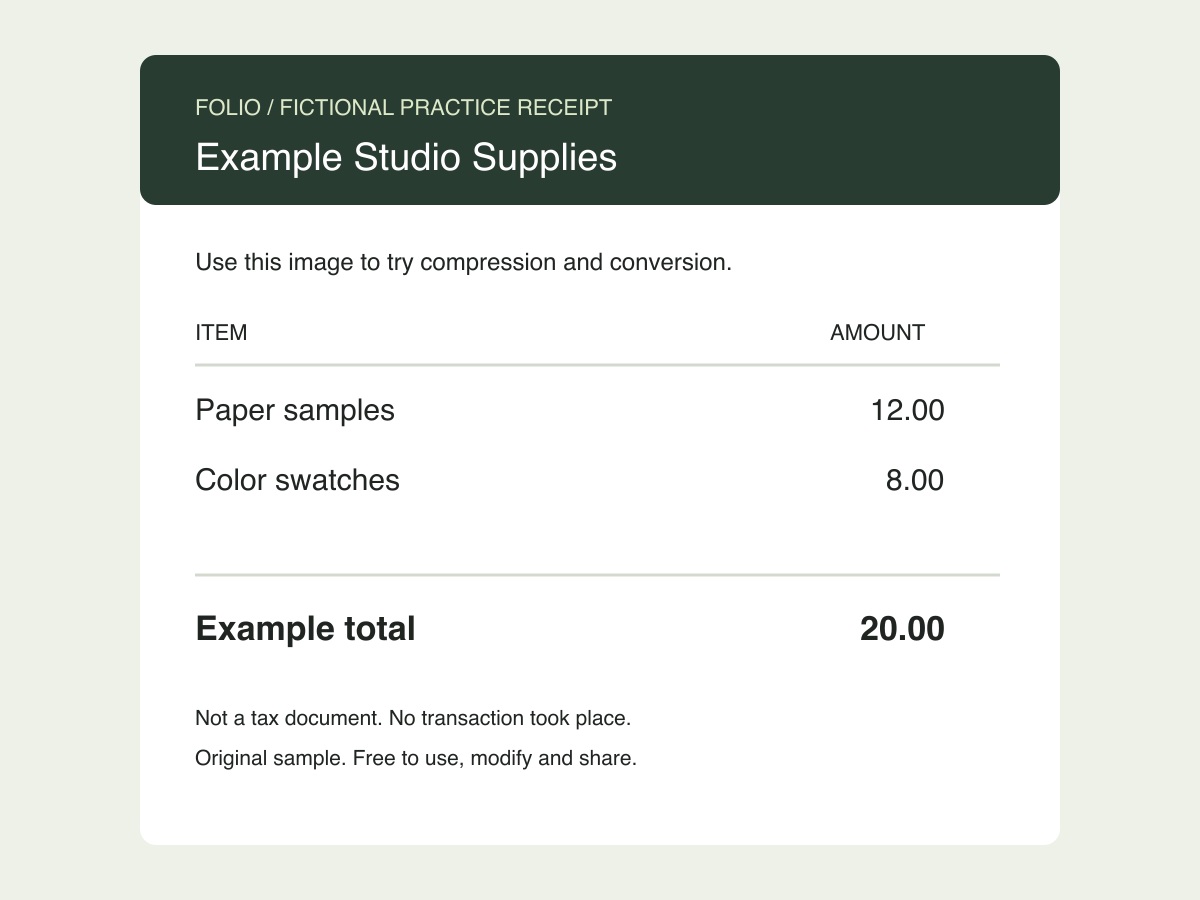
Package receipt photos in the order they appear on an expense list. Use the practice JPG to check the page-sizing options.
Original, fictional samples. Download a file, then select it in the tool above.
Look for clipped edges, sideways photos and unreadable amounts. Each photo becomes its own page; the tool does not place multiple receipts on one sheet.
Folio-generated fictional examples. These checks apply to the supplied files and settings.
One image per PDF page; A4 portrait sheet with margins.
Changing the container to PDF does not make a blurry photograph clearer or its words selectable. Keep the source photos for later corrections.
This converter makes one PDF page per photo, useful for a sequence of receipt pictures or photographed documents. A4 centers each photo with margins; Fit each image uses its proportions at 96 pixels per inch. JPEG rotation metadata is respected so phone photos appear the intended way up. A portrait A4 page can leave wide margins around a landscape photo. Conversion packages the pixels you provide: it does not straighten, sharpen or recognize text in the photograph.
Each photo becomes a separate PDF page. This tool does not make a collage or place several receipts on one sheet. Arrange the source photos into one image first if that is the layout you need.
This page accepts JPG/JPEG. A phone photo may be HEIC even when it looks like an ordinary picture. Export it as JPG first, or use Image to PDF for a supported PNG or WebP source.
No. The photo remains an image in the PDF. OCR is a separate step and is not included in this converter. Check small amounts and dates visually before sharing receipt scans.