WEBP to JPG.
Convert WEBP images to JPG. Preview the result and choose quality and dimensions.
On your deviceNo sign-up neededFree to use
Convert WEBP images to JPG. Preview the result and choose quality and dimensions.
or drop your files here
WEBP images · Up to 50 MB per fileChoose the WebP files that the receiving app or upload form cannot accept.
Set JPG quality and optional maximum dimensions, convert, then check transparent areas against the new white background.
Download the JPGs individually or as a ZIP, and verify that the receiving app accepts the exported files.
You have a WebP graphic but the receiving website accepts only JPG. Convert the file’s actual format rather than renaming its extension.
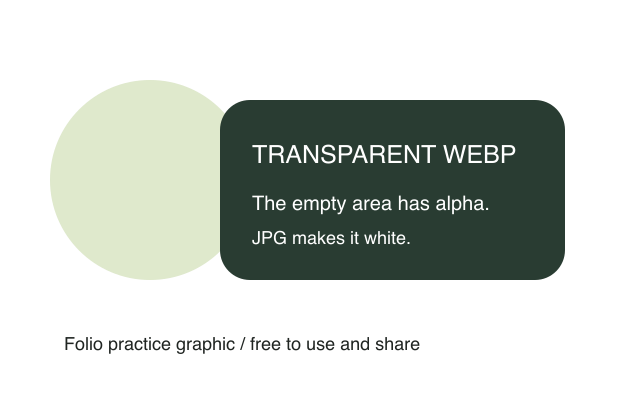
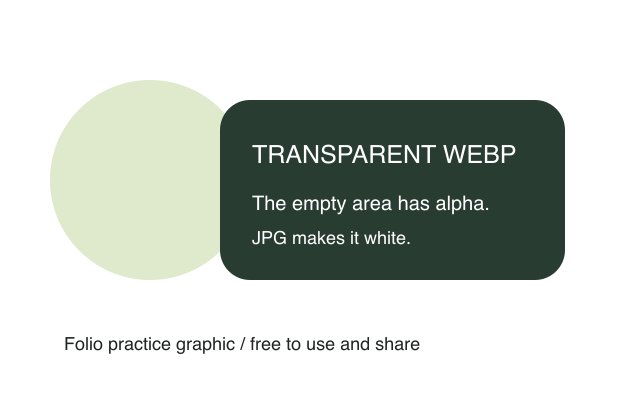
Original, fictional samples. Download a file, then select it in the tool above.
Open the downloaded JPG and confirm that edges and the white background look right. Its file size can be larger than the WebP original.
Folio-generated fictional examples. These checks apply to the supplied files and settings.
Original dimensions; default quality 85%; Transparent corners become white.
JPG cannot preserve transparency. Animated sources become still images when re-encoded; this tool is not an animation converter.
Convert the actual image format when a form or app requires JPG; changing a filename from .webp to .jpg does not convert its contents. JPG cannot store transparent pixels, so this converter fills them with white. The output can be larger than the source WebP. Check logos, cutout edges and small text before using the result, and keep the WebP original when its transparency is still needed elsewhere.
JPG does not support transparency. White is used behind transparent areas during conversion. Keep the WebP original for uses that need a transparent background.
Re-encoding creates a still image. The output does not retain animation or export a sequence of frames.
Different formats use different encoding, so conversion is not a size guarantee. Lower JPG quality or reduce dimensions if the destination permits it, then inspect the result. Use Image compressor when a specific byte limit is the main requirement.