Enhance image.
Adjust brightness, contrast, saturation and sharpness. Compare your changes with the original before exporting.
On your deviceNo sign-up neededFree to use
Adjust brightness, contrast, saturation and sharpness. Compare your changes with the original before exporting.
Choose your adjustments, then add your images.
Adjustments apply to every image in the batch. Compare Original and Result after selecting Apply adjustments. These controls adjust existing pixels; they do not restore missing detail.
Processed on your device. Images are not uploaded or saved by Folio. Up to 20 files per batch.
or drop your files here
JPG, PNG and WEBP · Up to 50 MB per fileChoose a JPG, PNG or WebP image and identify the issue: dark exposure, flat contrast, weak color or soft edges.
Make small adjustments, apply them, and switch between the original and result before increasing another setting.
Download the result and inspect it at 100% zoom for lost highlight detail, noise and bright sharpening outlines.
A picture looks dark or flat but already has enough pixels. Make small tonal changes and compare the actual result with the original.
Original, fictional samples. Download a file, then select it in the tool above.
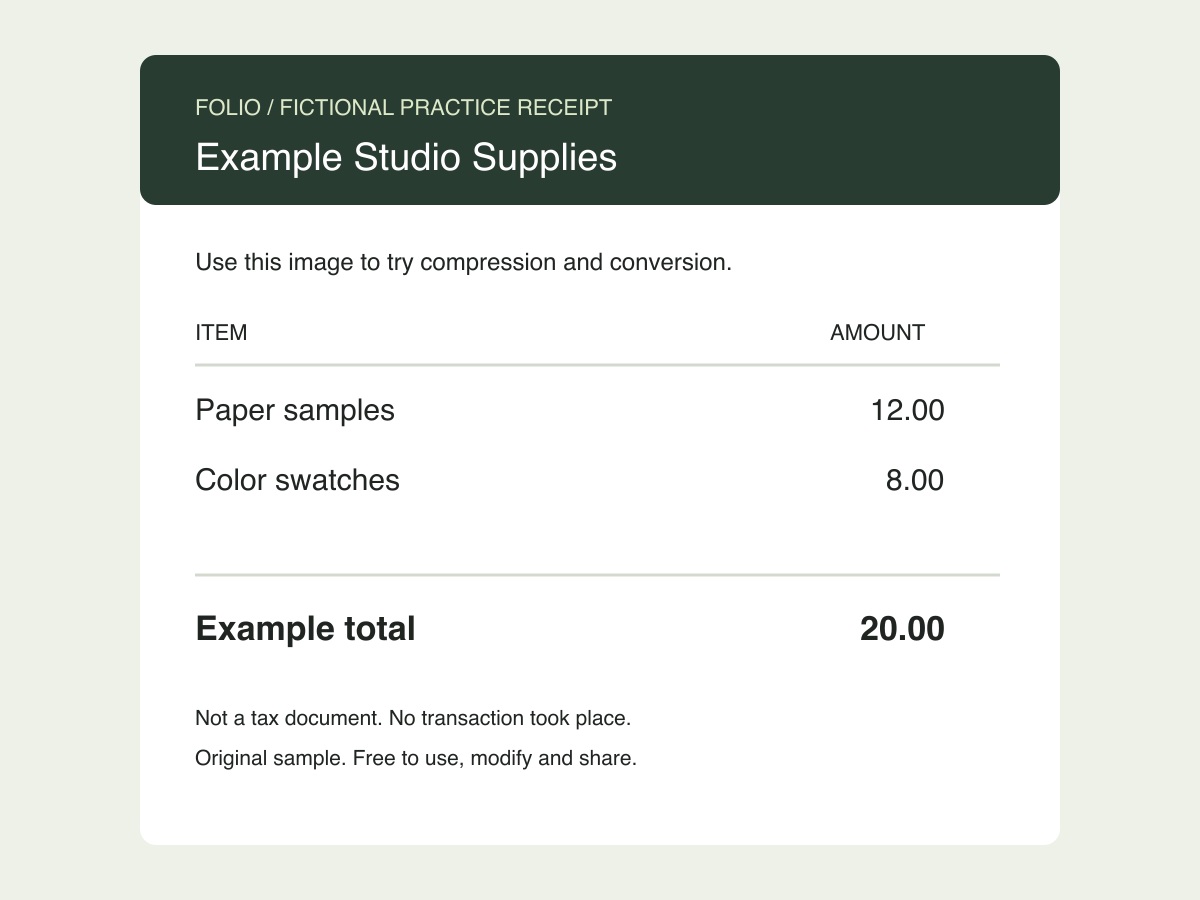
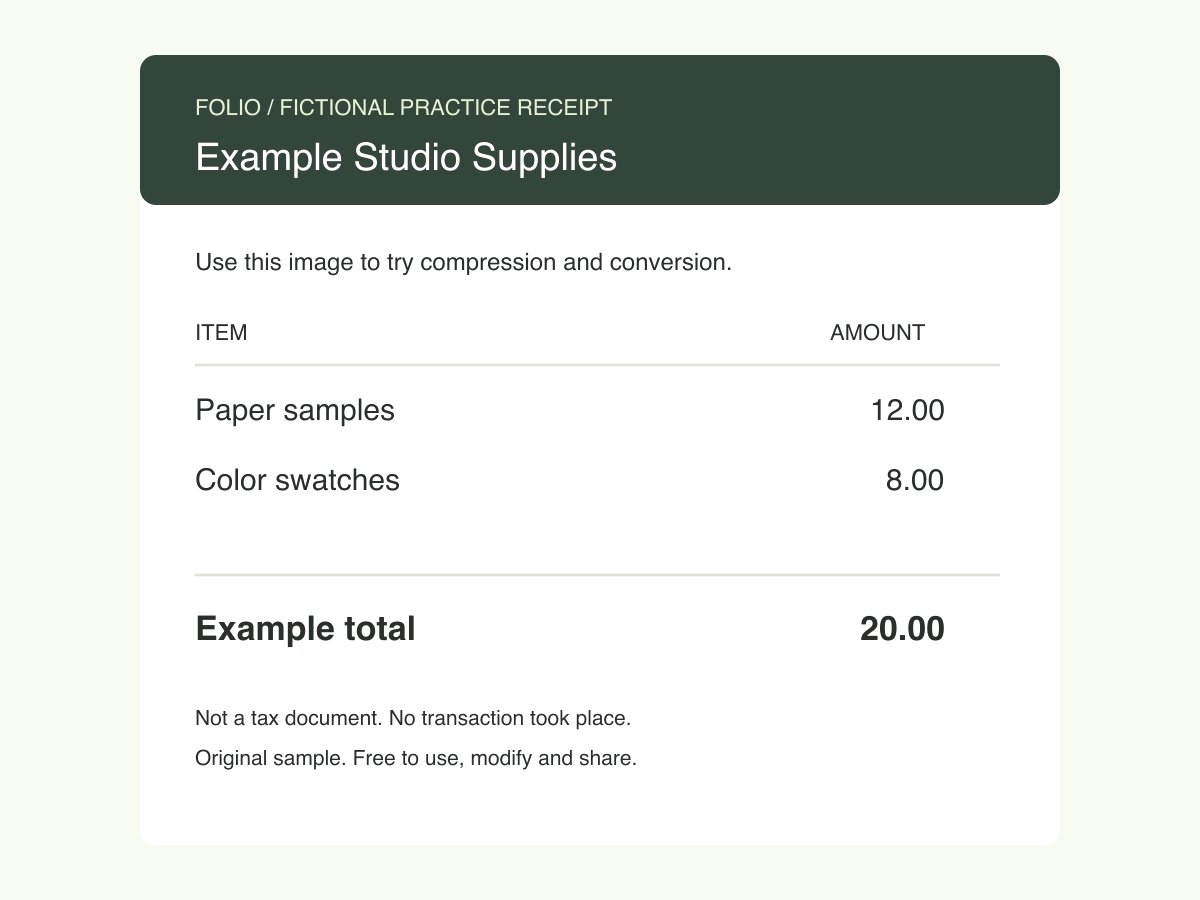
Compare the exported receipt with the original at 100% zoom. It should remain 1200 × 900 pixels; the brighter output does not add detail to small letters.
Folio-generated fictional examples. These checks apply to the supplied files and settings.
Brightness +10; other adjustments unchanged; Keep original dimensions; JPG output.
These controls do not reconstruct missing detail, remove severe blur, or provide AI super-resolution. A larger pixel count is not the same as recovering detail.
Brightness shifts light and dark values; contrast increases their separation; saturation changes color intensity; sharpness emphasizes nearby edges. These adjustments work on the existing pixels. They do not reconstruct missing detail, remove a subject, restore severe blur or perform AI upscaling. A preview can look crisp when small while revealing halos or noise at full size, so judge the exported result at its intended viewing size.
It can emphasize existing edges, but cannot recover detail that the source did not capture. Use a higher-resolution original when possible. Sharpening a blurred image too strongly can make outlines more visible without making the subject clearer.
Increasing brightness or contrast too far can push light tones beyond the available range. Reduce the setting and compare highlights such as clouds, pale paper or skin with the original.
Yes. One set of settings applies to the batch. Images with different lighting may need different adjustments, so check every result or process those images separately.